01 / 10 — For learners
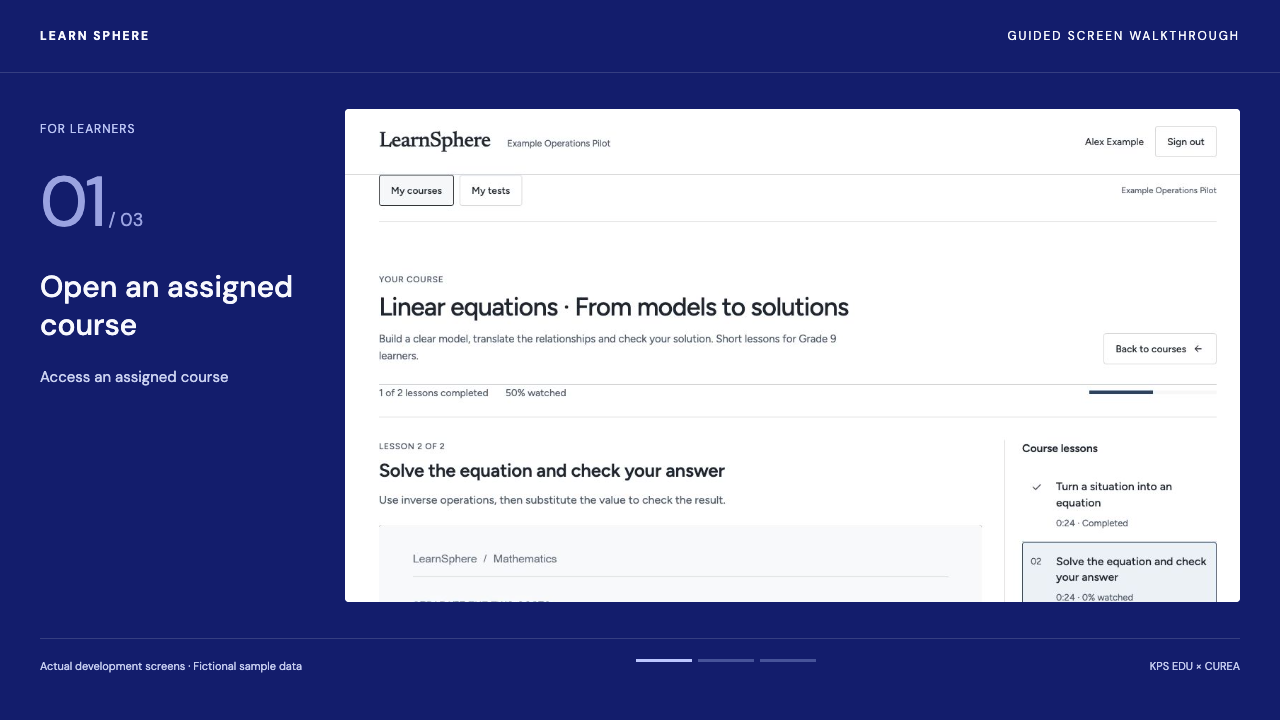
Access an assigned course
Open an assigned course, select a language and resume from a saved position.
Audio, captions and the steps below follow your selection.
The video could not load. Try again or open it directly.
Open videoRecorded development screens · Illustrative data · English interface · Narration and captions in four languages. These guides offer English, Vietnamese, Korean and Thai narration. App interface languages and lesson audio depend on the available editions.
Follow the steps
Open the course list and select a course assigned by your institution. Then select the lesson you want to study.
Select an available video language, then choose your captions separately. Check the audio language displayed beside the player before starting.
Pause the video to save your position. When you return, resume from that point. Learning progress reflects the sections watched, rather than sections skipped.
In your workspace
Follow these steps in an institution-provided LearnSphere account. This site is a guided preview.
Explore this feature ↗